 AutoSplitter


howto
How to add a new split quickly
Published: September 19, 2026
Add by mouse
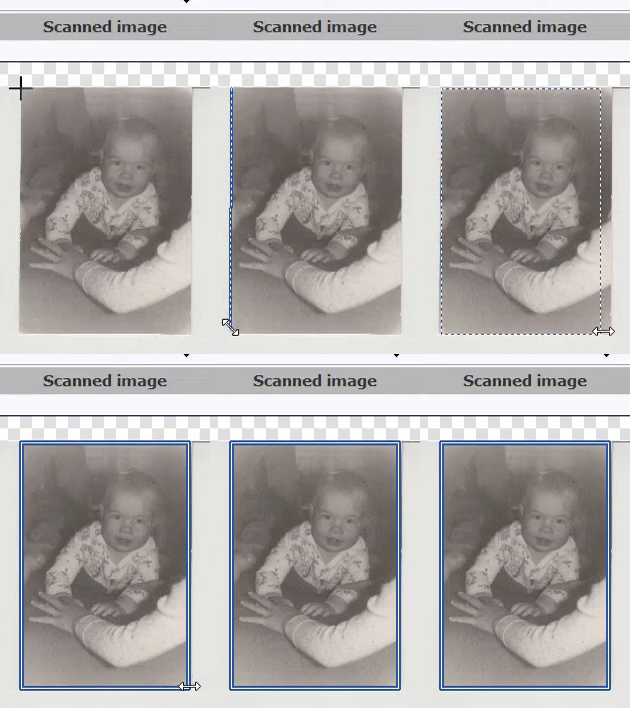 Flawless recognition of photographs cannot be guaranteed. Whenever AutoSplitter fails to divide the scanned image properly, you can still rely on manual cropping and straightening.
See the animation on the left. Easiest way is to define the crop by mouse:
- Left click the top-left corner of the photo.
- Move your mouse down to the bottom-left corner of the photo and click again.
- After marking the second corner, drag the mouse right to define the width of the photo. Click again to complete the crop.
Add Split button
Click the Add Split button on the top of AutoSplitter's main dialog to create a new cropping area - this will usually show up in the middle of the scanned image. Adjust the cropping area by mouse: grab and move the edges/corners of the photo.
AutoSplitter can auto crop scanned photos, but manual correction is useful when detection misses a boundary. See the photo scanning guide for the manual workflow and tips for successful batch scanning to improve detection accuracy.