 AutoSplitter


Photo Colorization with AutoSplitter
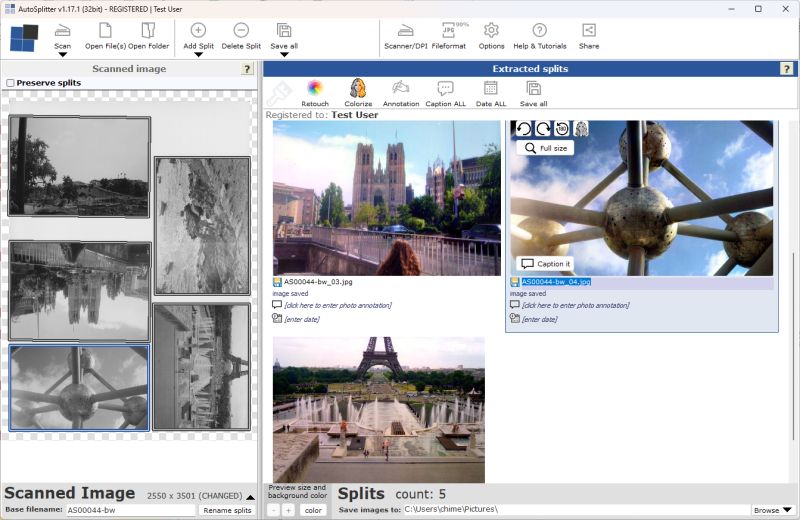
Learn what photo colorization is, how it works, and how AutoSplitter can help colorize scanned family photos.
Learn what photo colorization is, how it works, and how AutoSplitter can help colorize scanned family photos.
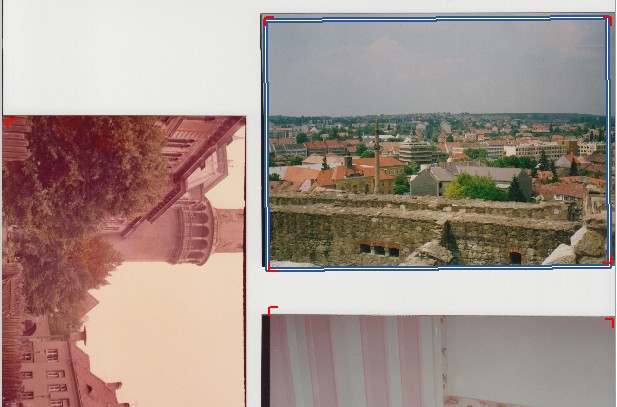
14 years of development - how did AutoSplitter's photo detection and auto-cropping change over the time?
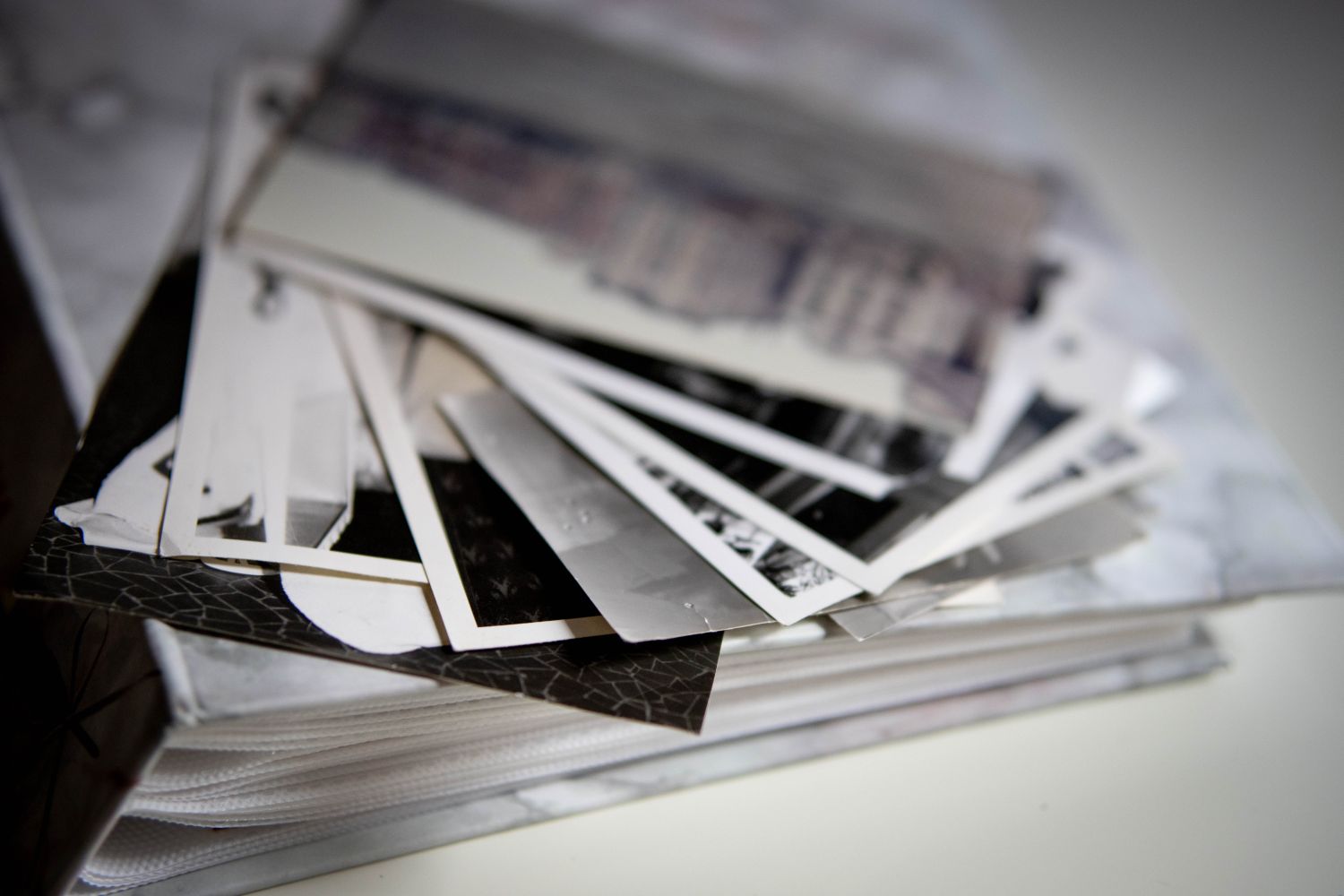
Learn how to digitize paper photos with a flatbed scanner and photo scanning software. Automatically detect prints, retouch faded images, divide scans into individual photos, and choose JPEG, TIFF, or PDF.

Starting with version 1.16.2 you can now start the program in command line mode. You can process single files or folders with a simple command. Build your own image processing suite!
Change the scanner or scanning resolution easily
How to handle errors during scan or opening files
You can save and export your scanned images in all popular file formats.
What is metadata and where is it saved, how do you use it?
If you have many photos scanned and saved to files, but not yet cropped then this is the feature for you.
There are several ways to scan photos with AutoSplitter: autodetection, manual definition of crops, reuse cropping areas, batch process pre-scanned photos.
How to use AutoSplitter - basics of cropping scanned photos
Adding a new split (new photo crop) manually is quick and easy - read this short guide to learn.
Simple pointers to increase successful automatic photo cropping.